
Météo Republié via Innoreader Lire la Suite
Spring is just around the corner, and Weathercloud is bursting with fresh energy. Today, we’re excited to unveil Weathercloud 14, our biggest update yet. With new control options and immersive visual tools, this release marks a major leap forward, delivering a weather monitoring experience that’s more complete, intuitive, and powerful than ever.
It’s ready for you to explore. Here’s a look at what’s new:
 Map: Introducing Device & Forecast Layers
The Map has been rebuilt from the ground up to give you more control over what you see. You can now filter devices by type to create a personalized view that suits your needs. Combine these settings with our new global forecast layers for a seamless look at both hyperlocal and worldwide conditions. The intuitive new side menu makes customizing your view easier than ever.
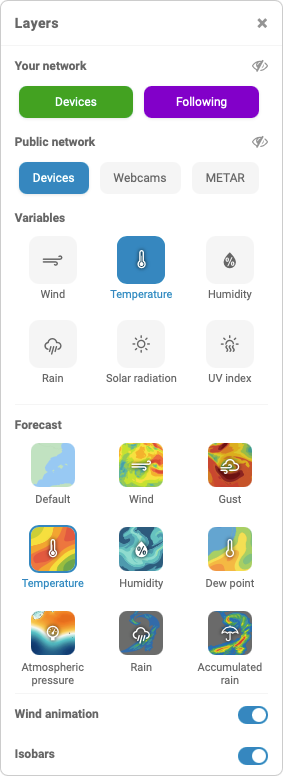
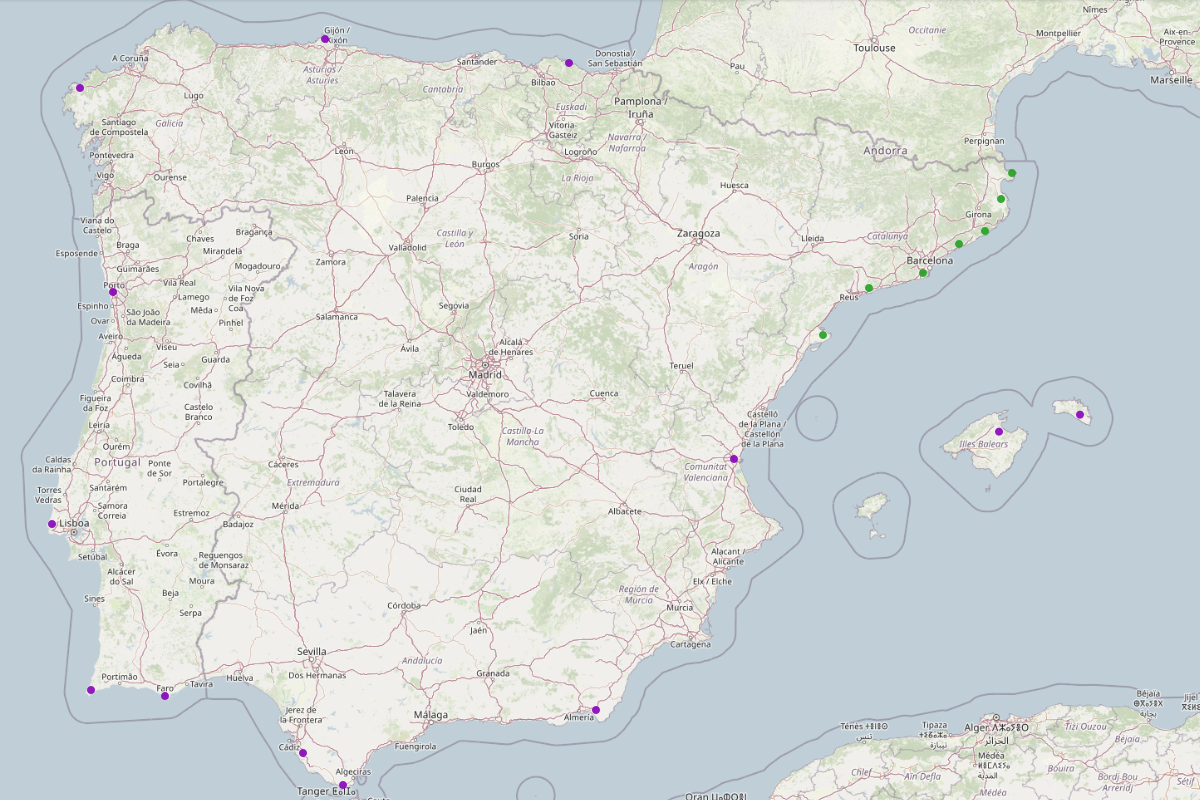
- Device Layers: The new Your Network and Public Network options let you select the device types that matter to you. For instance, you can choose to see only your own devices or display them alongside those you follow, creating a map tailored to your priorities. Managing multiple devices within Weathercloud? These options make it easy to isolate them whenever you need a cleaner, more focused view.
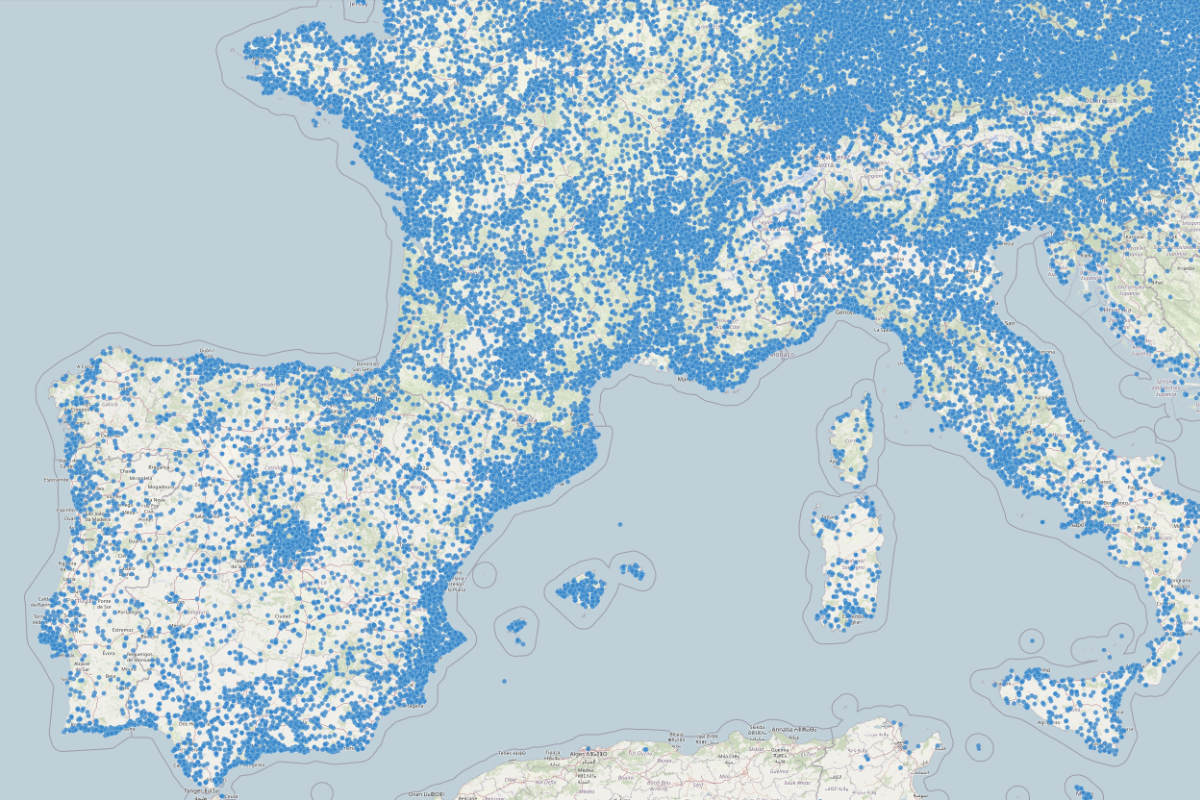
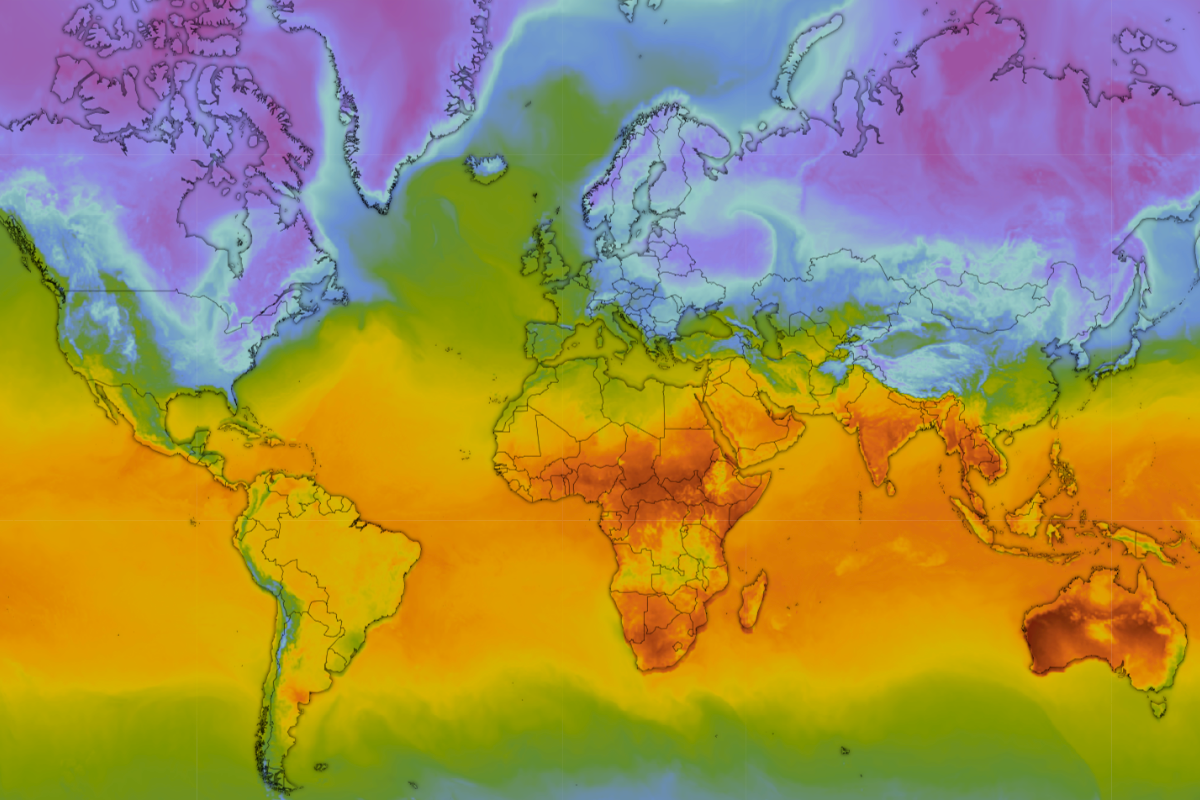
- Forecast Layers: For the first time, you can overlay Global Forecast System (GFS) data directly onto the Map. This lets you see how hyperlocal conditions from over 150,000 devices across the Weathercloud network fit into the bigger picture. Track developing storms, heatwaves, and other meteorological phenomena anywhere on Earth with ease. And this is just the beginning, as advanced controls for these layers are coming soon.
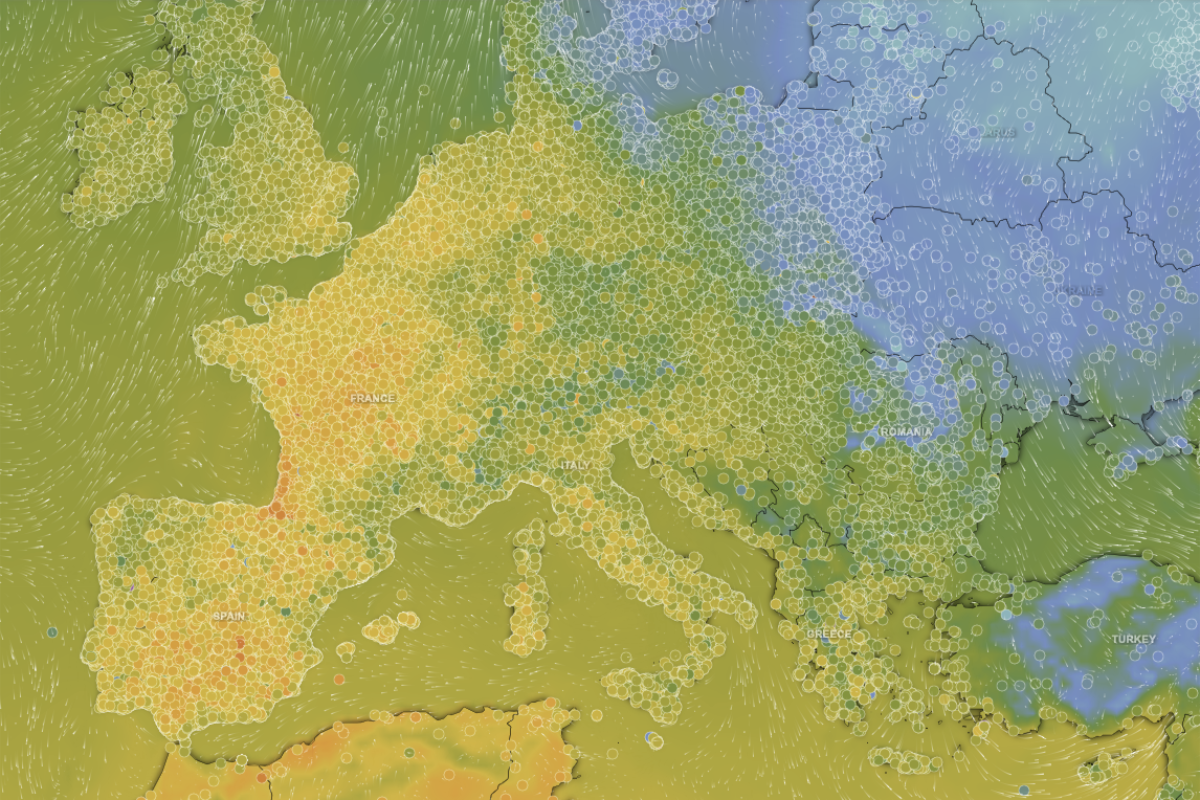
- Wind Animation Layer: Watch the atmosphere breathe. This new layer shows air flow in real time, helping you track storm movements and global air currents in an intuitive, captivating way. Observing these patterns gives you direct insight into the larger systems driving hyperlocal weather. You can overlay this layer on any device or forecast layer for seamless monitoring.
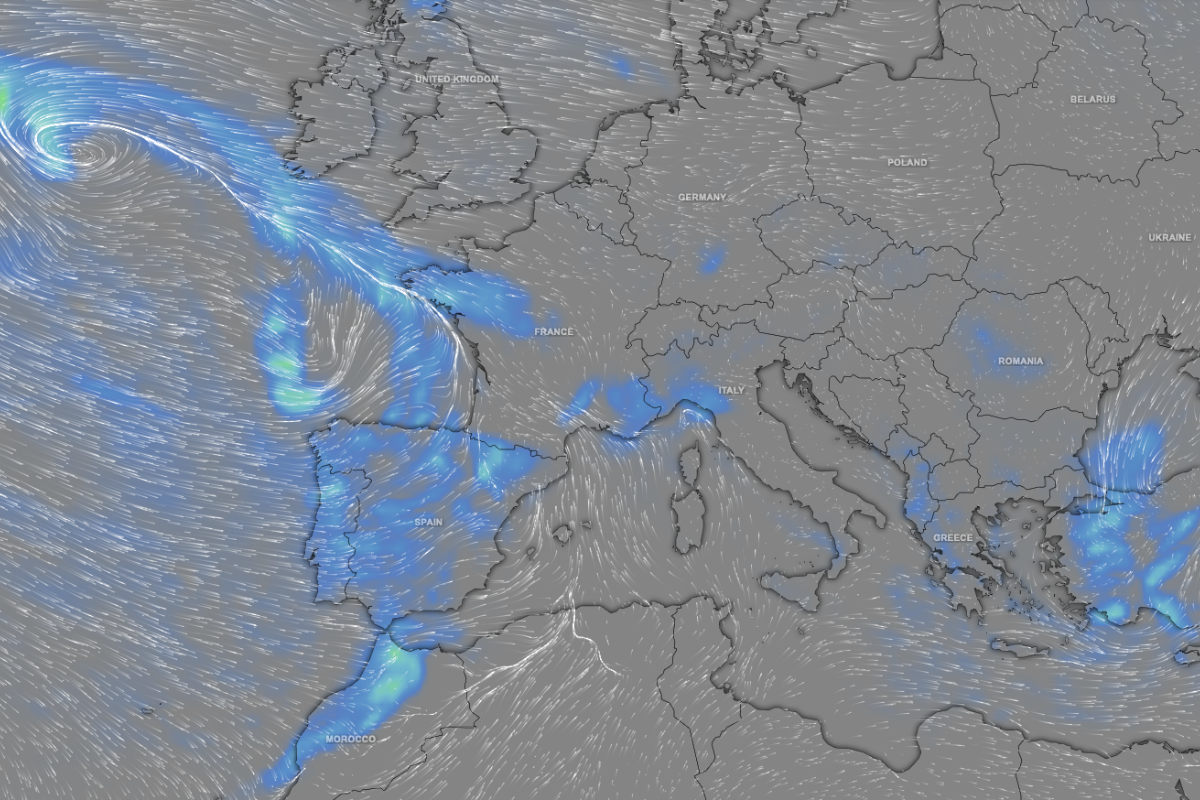
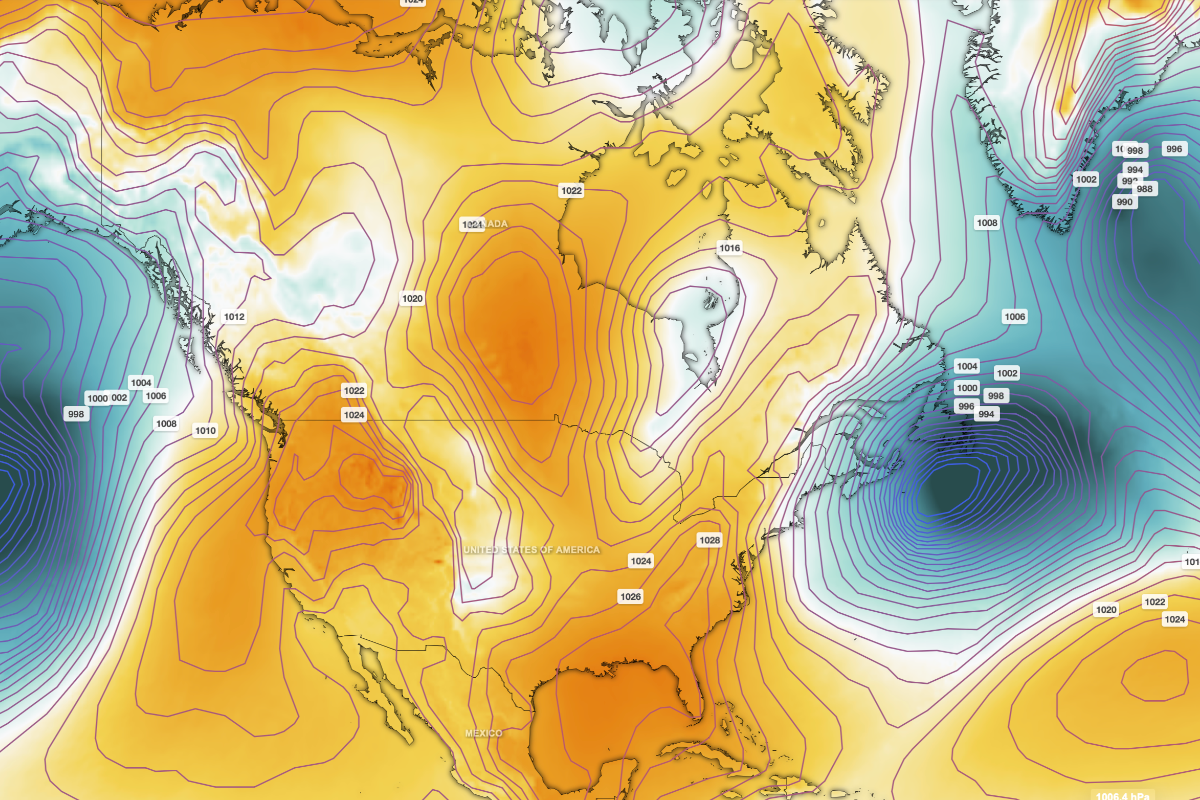
- Isobars Layer: Visualize atmospheric pressure patterns with precision. This layer adds lines of equal pressure to the Map, helping you identify high- and low-pressure systems, locate fronts, and understand what drives wind speed, direction, and weather changes across the globe. Overlaying isobars onto device data bridges the gap between hyperlocal readings and the synoptic scale of global movements at a glance. This layer can also be enabled over any device or forecast layer.
 Weathercam: Your Live Stream, Powered by Data
We believe weather data is most meaningful when it’s seen, not just read. To bridge the gap between numbers and real-world conditions, we’ve created Weathercam, an innovative feature that seamlessly overlays your device’s real-time readings directly onto your webcam’s live view.
This transforms a standard webcam into an engaging weather scene. Whether you’re sharing your hyperlocal data on a personal website, a news blog, or a community forum, your audience can see both the sky and the real-time data simultaneously in one unified view. It’s no longer just a video, it’s a high-context, live report of your environment.
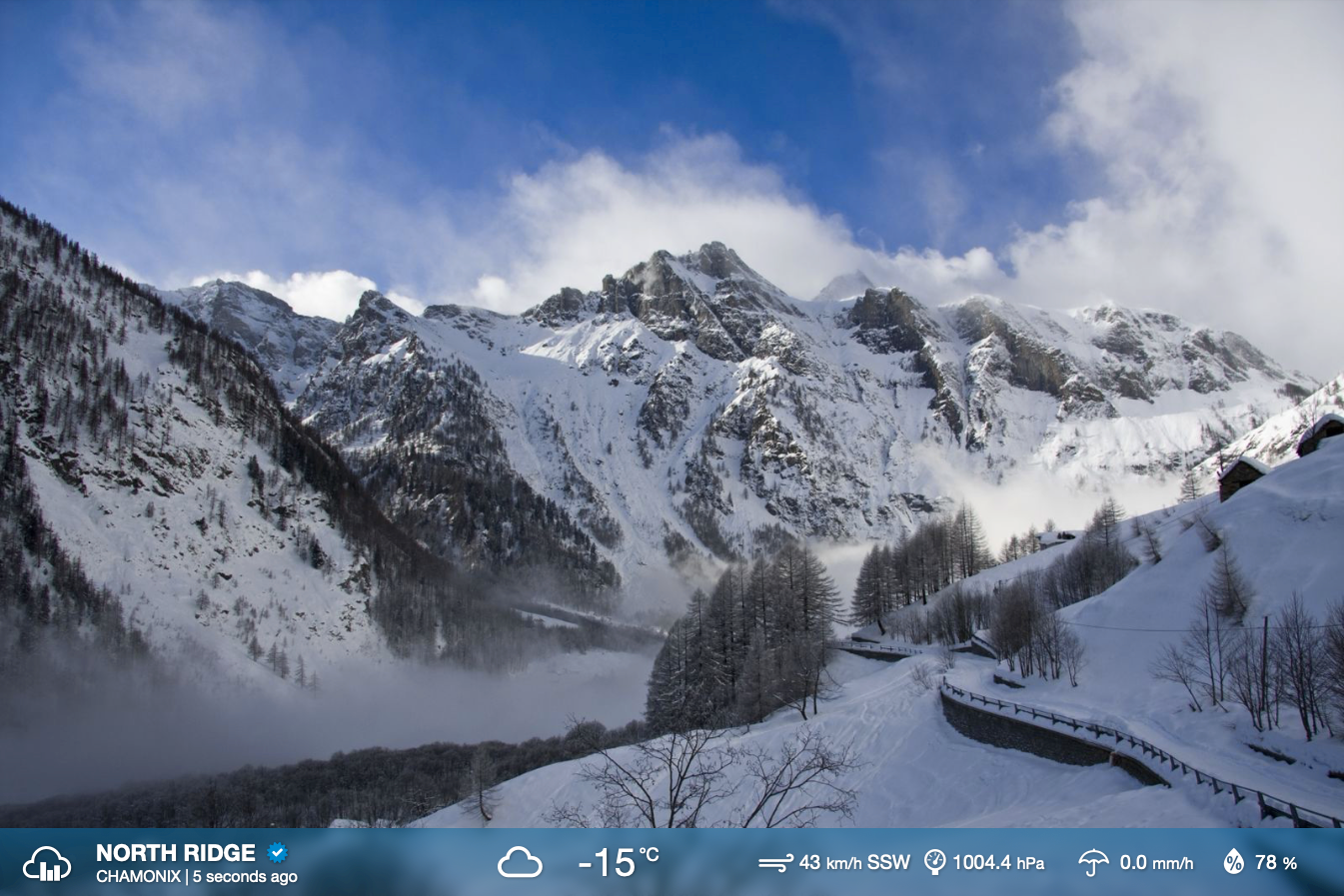
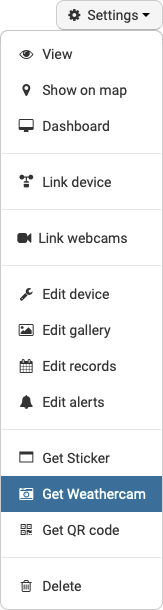
Weathercam is available to all Weathercloud users and supports multiple webcams per account. Ready to share your view? Simply head to your Devices page and select Get Weathercam from the Settings drop-down menu of any device with an active webcam to obtain your embeddable HTML code.
 Time-Lapse: Watch a Day of Weather Unfold in Seconds
Watch clouds roll, storms develop, and sunsets blaze in mere seconds. Our new Time-lapse feature turns your daily webcam recordings into a dynamic tool for visualizing how weather events develop over time.
With a sleek media player and an integrated calendar, Time-lapse lets you jump to any date in your archive and witness the sky’s transition instantly. Intuitive controls for playback speed, pausing, and full-screen viewing make it easy to watch a full day of weather come to life in moments.
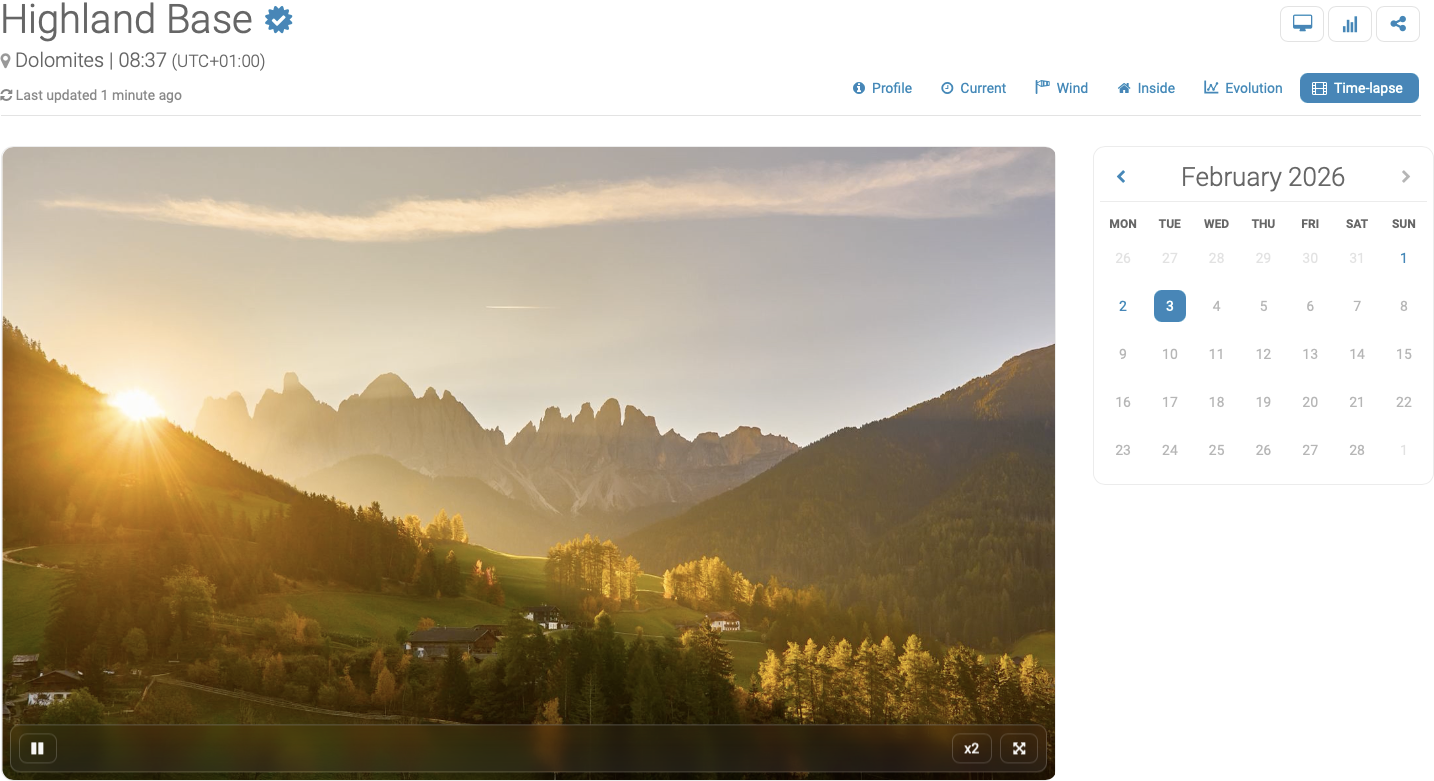
Time-lapse is available exclusively to Premium users with FTP-connected webcams. To explore your history, simply head to your device page and select the Time-lapse tab. This space is entirely private, keeping your footage for your eyes only.
 Ocean Controls + Weathercloud: Industrial Connectivity Simplified
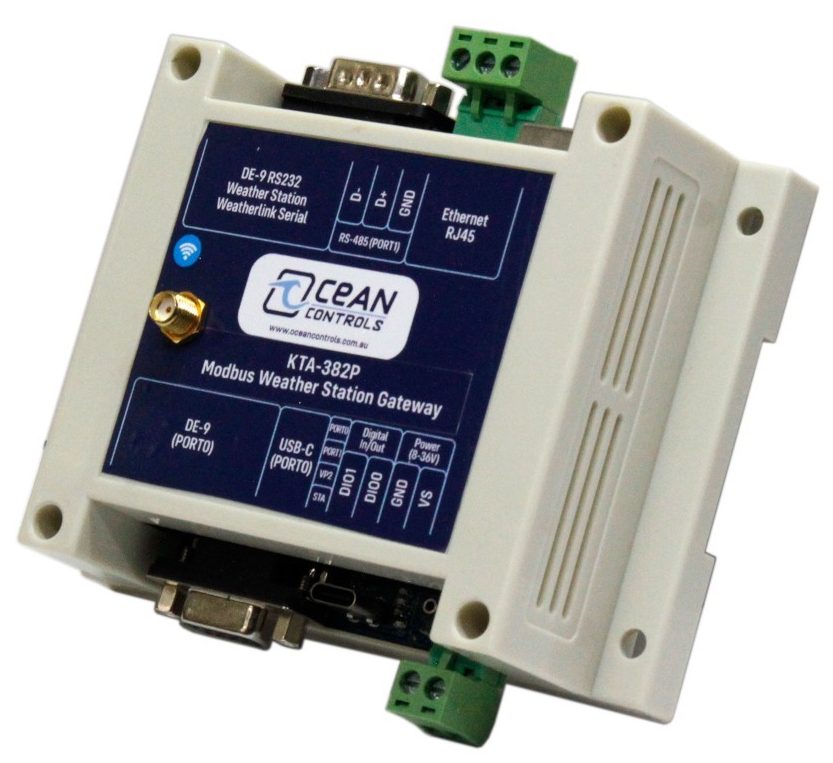
We’re pleased to announce that Ocean Controls, a leading manufacturer of Modbus Gateways for weather stations, now offers native compatibility with Weathercloud through their KTA series. This enables industrial users to seamlessly integrate their weather data locally with their existing control systems, while simultaneously uploading it to Weathercloud for effortless remote monitoring. Managing everything through a single gateway streamlines operations and simplifies infrastructure. We warmly welcome all industrial users joining our platform!
 Other Minor Bug Fixes & Enhancements
As with every major release, we’ve addressed minor bugs and improved performance, delivering a faster, smoother, and more reliable experience across the platform. These updates ensure the stability you need to monitor the weather with confidence.

 And One More Thing…
We’ve heard you loud and clear. With every Weathercloud release, one question consistently pops up: “When is the app coming?”
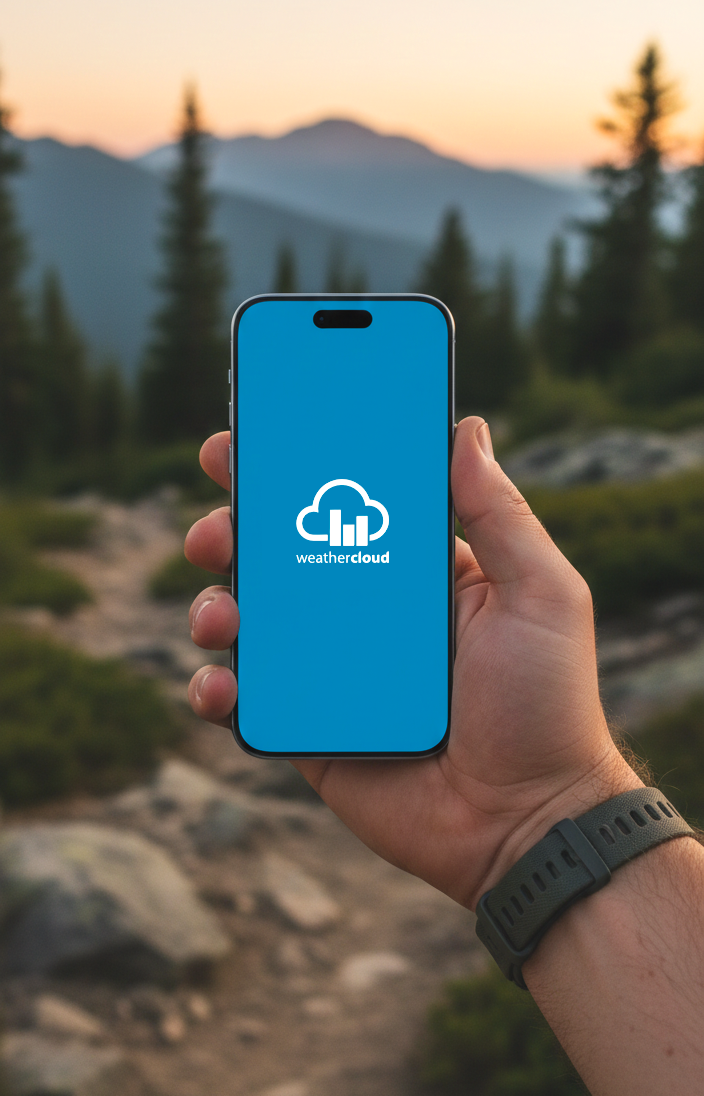
Today, we are finally ready to pull back the curtain. The Weathercloud app for iOS and Android is officially under development and scheduled for release this year! We’re working hard to bring the core Weathercloud experience straight to your pocket, making it effortless to monitor the weather wherever you are.
This marks the beginning of an exciting new chapter for Weathercloud, and we can’t wait to share more as we approach the big day!
 Experience Weathercloud 14 Today
We are fully committed to making Weathercloud the most advanced weather monitoring platform. Sign in now to explore the new map layers, try out Weathercam, or watch your day unfold with your first time-lapse!
We’d love to hear your thoughts. Drop a comment below and tell us which feature is your favorite!
Thank you for being part of the Weathercloud community! 
—The Weathercloud Team